
Pick the style you see
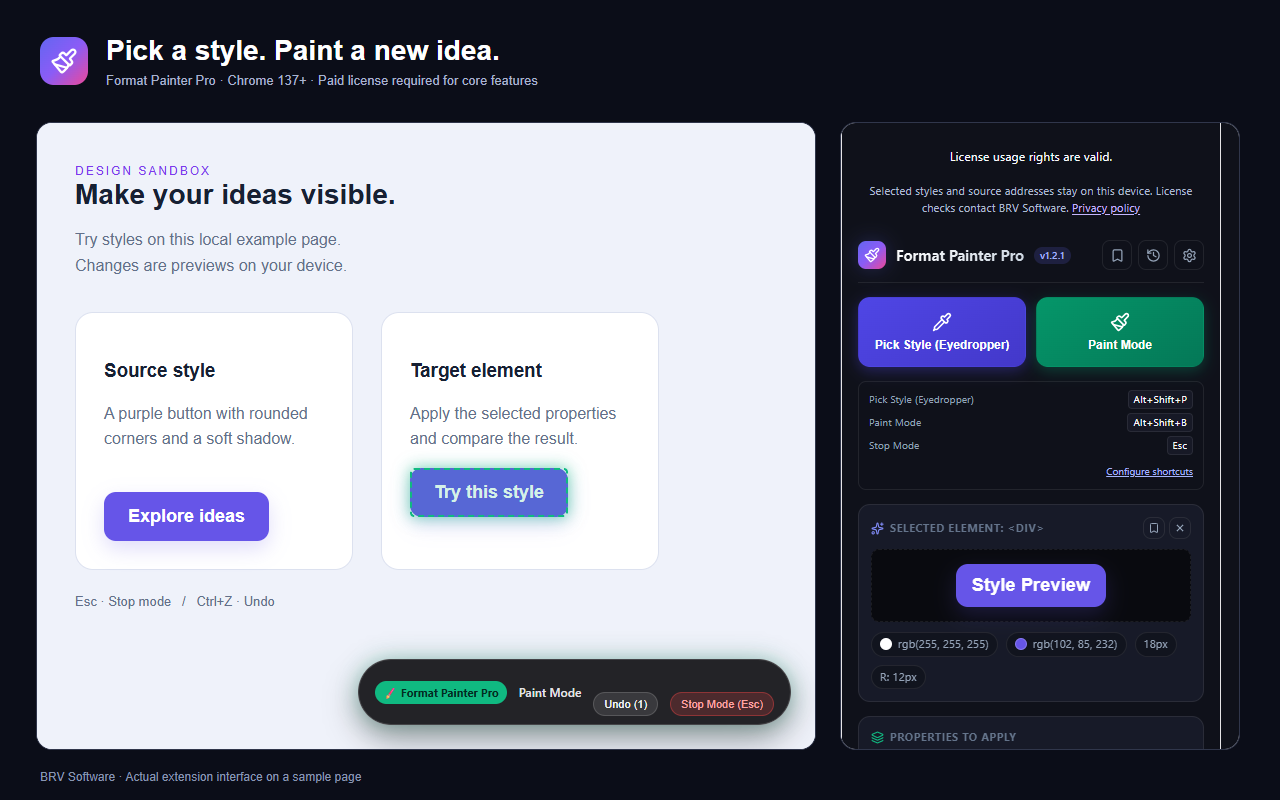
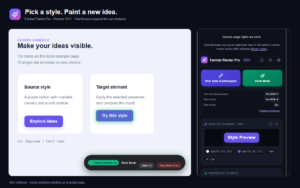
Use the visual picker to inspect a page element and capture its computed CSS styles. See the element, its dimensions, and its colors while you explore.


$5.99USD / yearExcluding tax · Subscription1 day free trial
Copy CSS styles. Apply instantly. Build faster.
Format Painter Pro is a Chrome extension for copying and applying CSS styles. Inspect a webpage element, choose the properties you need, save reusable presets, and export styles to your own project.
Chrome 137+ / Visual style editing / CSS, Tailwind, React & HTML export
Your license key is emailed to you after checkout.
Access product updates and support according to your purchased plan.
Your payment details are securely collected and processed by Paddle.
MADE FOR DEVELOPERS & DESIGNERS
Format Painter Pro brings the familiar format painter workflow to Chrome. Inspect a style you like, try it on another element, and keep the result for your own work. Spend less time collecting individual CSS properties and more time refining your ideas.
Use the visual picker to inspect a page element and capture its computed CSS styles. See the element, its dimensions, and its colors while you explore.
Apply a captured style to another element and compare the result immediately. Preview a different look without editing the original website.
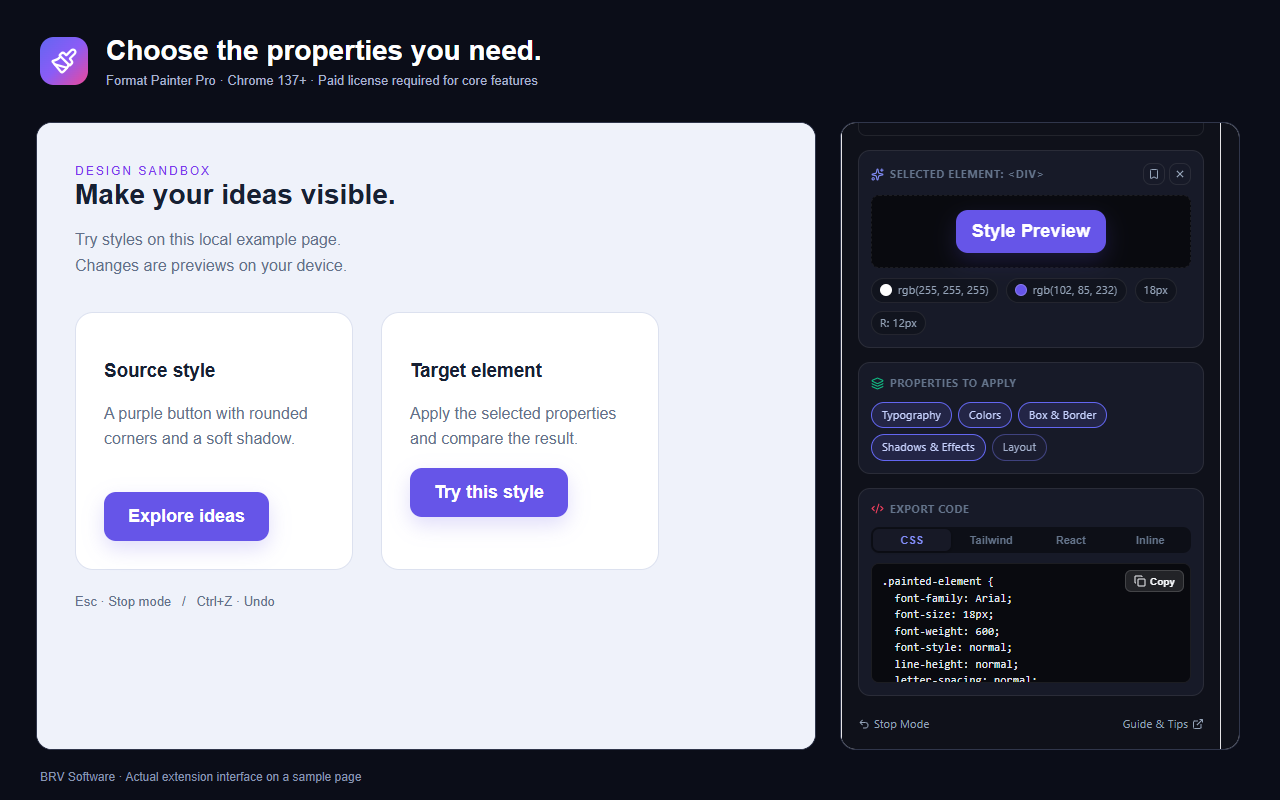
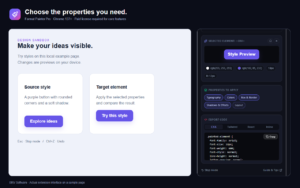
Select typography, colors, box and border styles, shadows and effects, or layout properties. Apply the categories you need instead of every property.
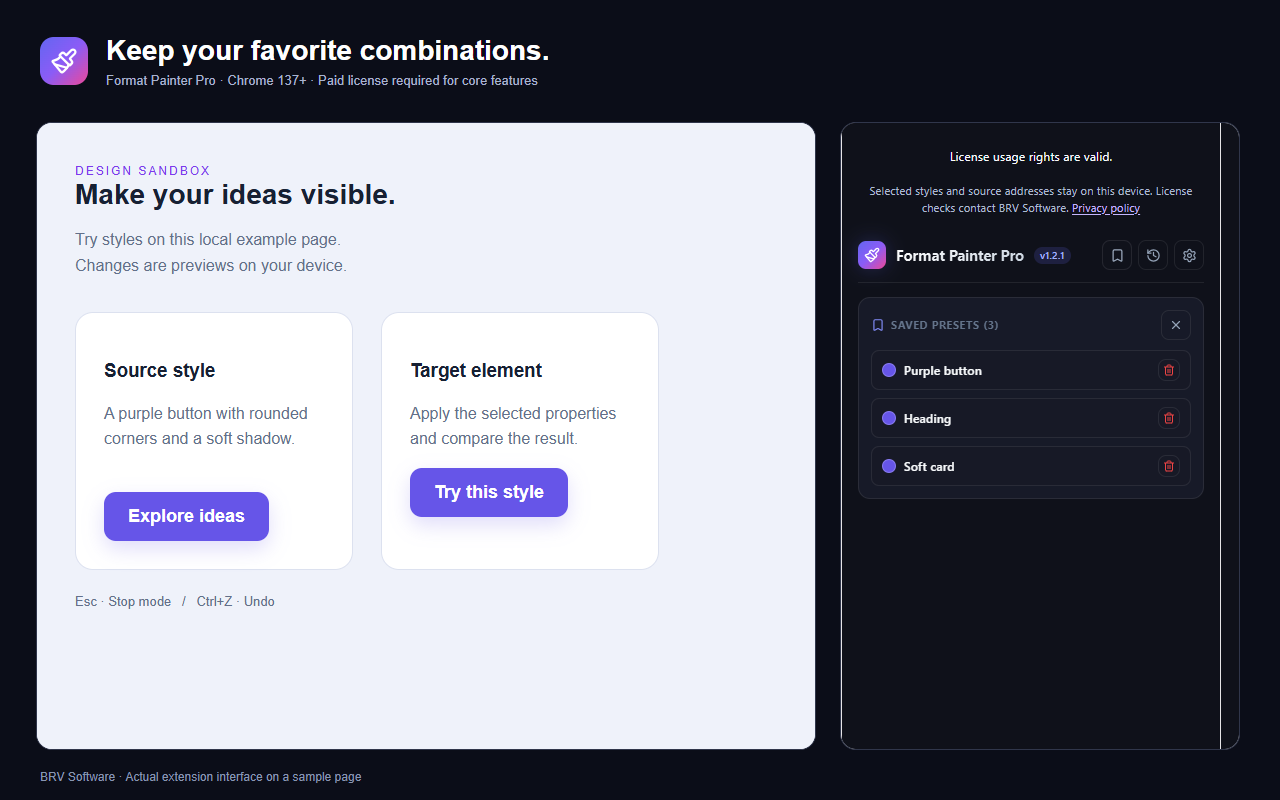
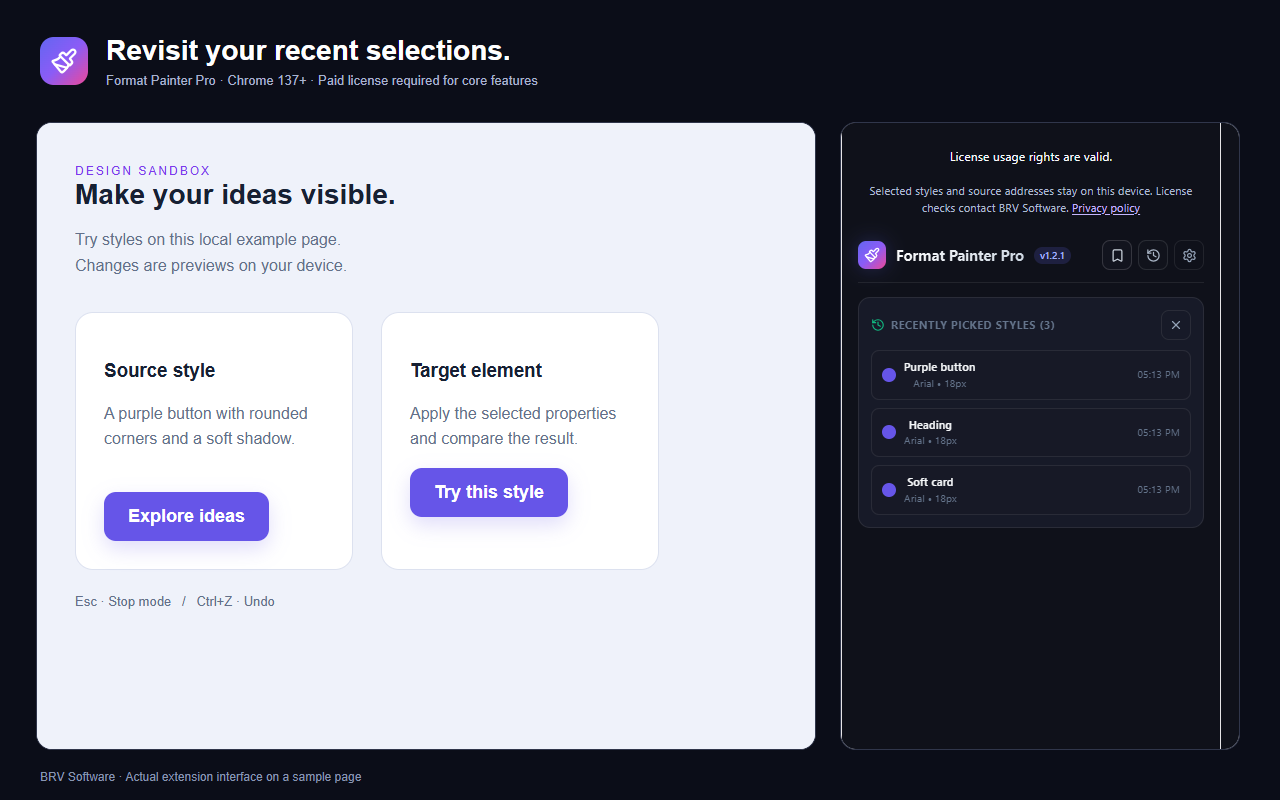
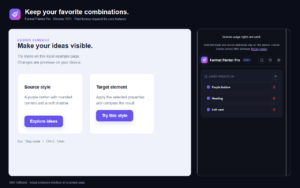
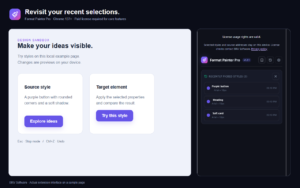
Save useful combinations as named presets, revisit your recent selections, and import or export a preset collection as JSON.
Copy the selected styles as CSS, Tailwind CSS utilities, a React style object, or inline HTML. Choose the output that fits your next step.
Undo applied styling changes as you explore. You can try different combinations without treating each visual experiment as a permanent change.
A SIMPLE WORKFLOW
Open Format Painter Pro on a supported webpage and select the element whose styling you want to capture.
Choose your style categories, apply them to a target element, and use undo when you want to compare another direction.
Keep a preset for later, or copy an export into your own project and adapt it to your codebase.
Use the captured styles as a starting point for implementation. Exported output reflects the style categories you select; review it in the context of your own layout and design system.
PRACTICAL USE CASES
Capture a heading or button style, select only typography and colors, and preview the combination on another element before implementing it.
Reuse a captured button or card style across elements on a supported page. Save the combination as a preset instead of collecting the same properties again.
Export selected styles as a starting point for your own HTML, React, or Tailwind project. Review the output for your layout; it does not recreate an entire website or its application logic.
YOUR WORKSPACE
Your saved styles, presets, history, and preferences are kept in the extension’s local storage. Back up your presets as JSON before clearing extension data or moving to a new browser profile.
LICENSE & SUPPORT
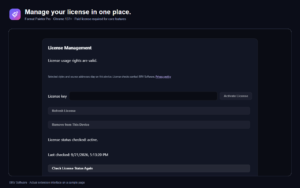
Use the license key sent after checkout to activate the extension. Its settings let you refresh license validation or release the current installation. Subscription management and cancellation are handled separately through your account or Paddle.
Format Painter Pro is a CSS style copier and visual formatting extension for Chrome. It captures computed styles from a webpage element so you can apply selected properties, save presets, or export code.
No. It works with selected element styles. It does not download a website, copy its application logic, or automatically rebuild a complete responsive layout.
No. Painting changes the page locally in your browser for visual experimentation. Export the styles and apply them in your own project when you want to implement an idea.
Yes. Category filters let you select typography, colors, box and border styles, effects, or layout properties before applying or exporting styles.
You can export your preset collection as JSON and import it into another installation. License activation is managed separately from preset backups.
No. Releasing an installation frees its activation allowance. To stop a renewing subscription, use the subscription management options in your account or Paddle.
Tell us what you are trying to do and where you need help. Contact BRV Software.
You must be logged in to post a review.
There are no reviews yet.